SHORT ANSWER
Downtime is a Screen Time schedule on iPhone (iOS 26): at the times you set, most apps become unavailable, and only calls, messages and the apps you allow stay available.
- 🌙 What it is: a Screen Time schedule on iOS 26. At the times you set, most apps become unavailable.
- ⚙️ Where: Settings → Screen Time → Downtime.
- 🔔 By default: a reminder you can tap past. Block at Downtime keeps apps closed.
- ⏹️ Turn it off: turn off Scheduled.
- 📱 iOS 27: Screen Time Schedules replace Downtime.
What Downtime does
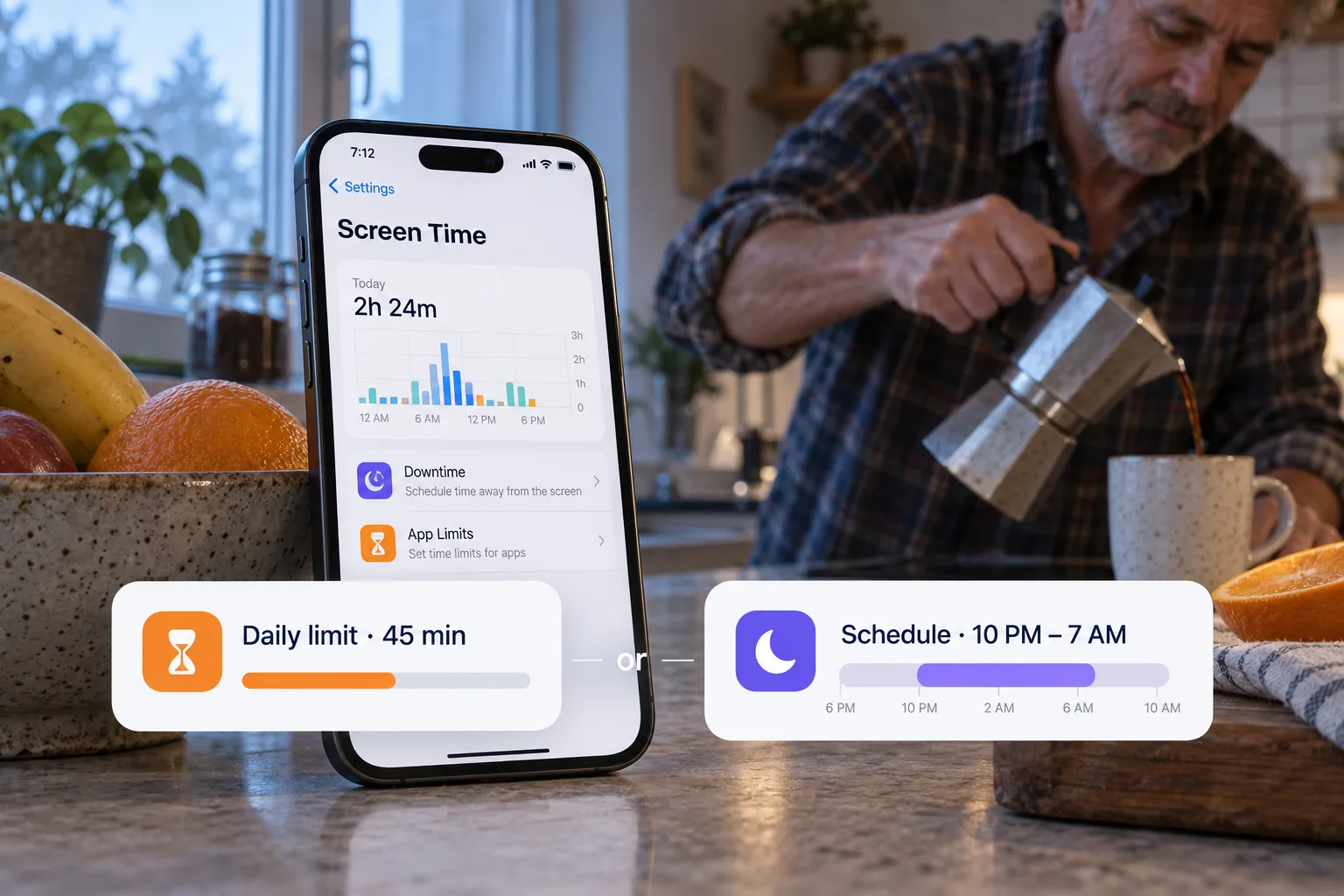
Apple describes Downtime as regular breaks from your screen: you set specific times, like dinner or bedtime, when most apps are unavailable. During Downtime, only calls, messages and the apps you choose to allow are available. Always Allowed sets which apps and contacts stay available.
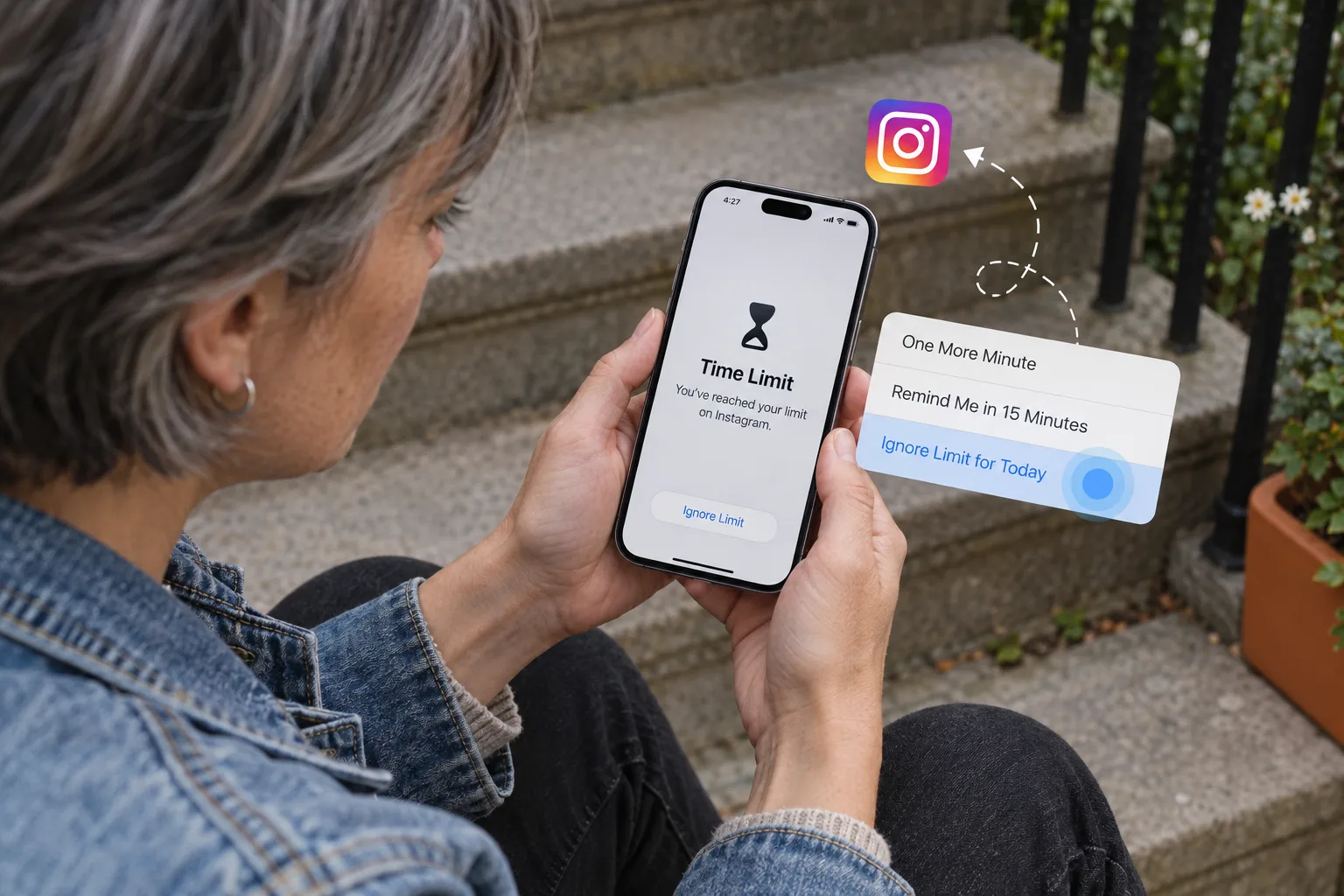
When you schedule Downtime, Apple sends a reminder five minutes before it begins. By default, Screen Time limits can be ignored once reached, so Downtime is a reminder you can tap past unless you turn on Block at Downtime.
| Downtime | App Limits | |
|---|---|---|
| Answers | When? | How much? |
| What it covers | Most apps, at the times you set | The apps or categories you pick, after a daily amount of time |
| What stays available | Calls, messages and Always Allowed apps | Apps outside the limit, and Always Allowed apps |
| By default | A reminder you can ignore | A reminder you can ignore |
Set up Downtime on iOS 26
iOS 26: Settings → Screen Time → Downtime
Settings
- Screen Time
Screen Time
- App & Website Activity
- Downtime
- App Limits
- Always Allowed
Downtime
- Scheduled
- Every Day✓
- From10:00 PM
- To7:00 AM
- Block at Downtime
- ⚙️ Settings → Screen Time: turn on App & Website Activity if it is off.
- Tap Downtime, then tap Scheduled. To start right away without a schedule, tap Turn On Downtime Until Tomorrow instead.
- Choose Every Day or Customize Days, then set the start and end times. Customize Days lets you set different times, for example on weekends.
- Tap Always Allowed and check which apps and contacts stay available during Downtime.
- To keep apps closed instead of showing a reminder, set a Screen Time passcode and turn on Block at Downtime.
💡 Not sure whether you need a schedule or a daily limit? Read daily app limits or scheduled blocking.
Turn off Downtime
To stop the Downtime schedule, go to Settings → Screen Time → Downtime and turn off Scheduled. Apple says you can turn it off at any time this way.
To end only the Downtime that is running now and keep the schedule, use the button labeled Ignore Downtime Until Schedule, explained in what Block at Downtime means.
If someone else set up Screen Time on your iPhone, such as a parent, ask them to change it. This guide does not cover getting around their passcode.
On iOS 27, Downtime becomes Screen Time Schedules
iOS 27 replaces Downtime and App Limits with Screen Time Schedules and Time Allowances. Apple says they need iOS 27 or later on all your Apple devices. If a schedule does not hold, read why Screen Time limits stop working.
When you only want some apps closed
Downtime makes most apps unavailable at once, except the ones in Always Allowed. If what you want is TikTok and Instagram closed during work hours, you have to allow everything else by hand.
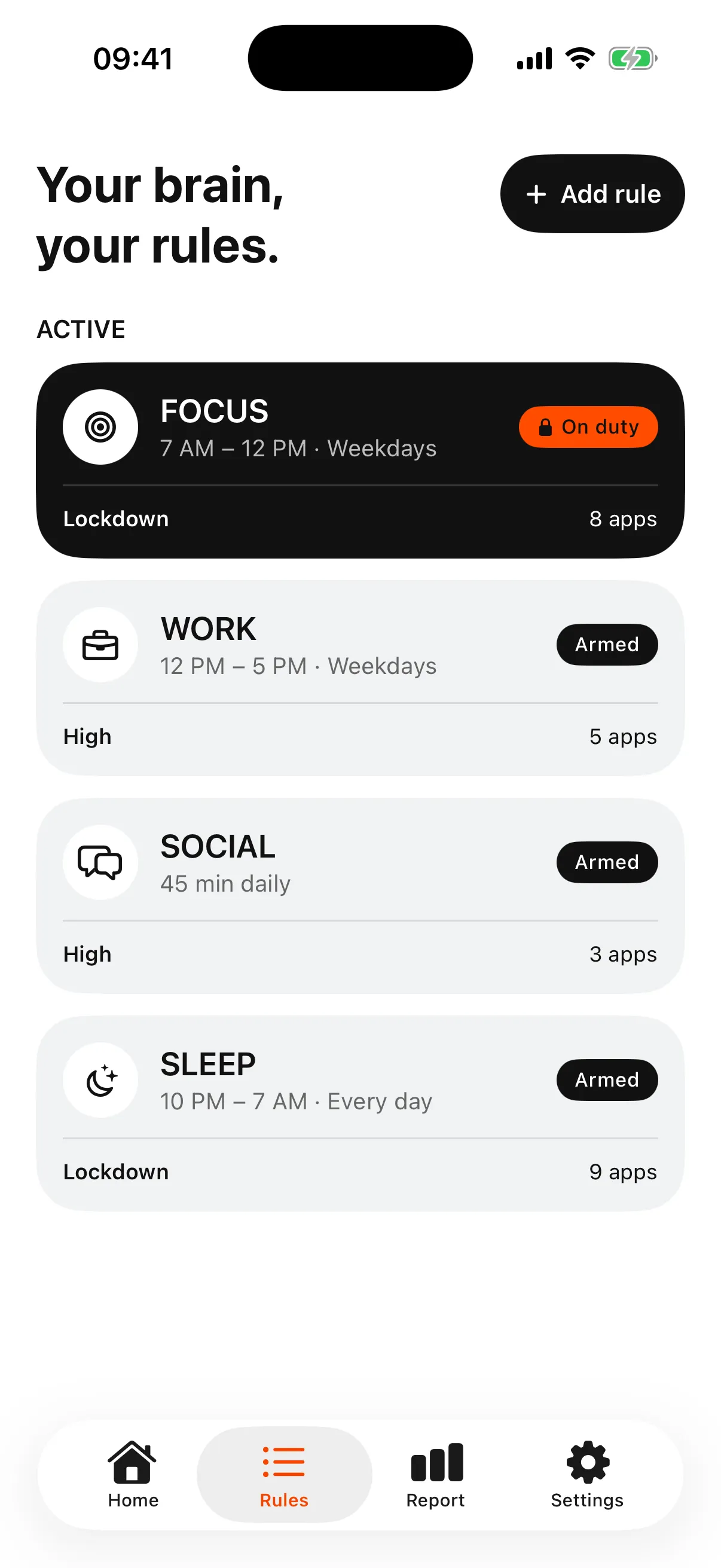
Bouncer blocks the apps you choose during a scheduled window or after a daily limit. A blocked app shows a shield with no unblock button, so you go through Bouncer to get in. The Rule’s Level sets the price: a short wait on Normal, a wait that grows after each successful unblock on High, and on Lockdown no temporary unblock until the window ends. Blocking runs on Apple’s system services, so no app can rule out every workaround. To set it up, follow how to block apps on iPhone.
Frequently asked questions
What is Downtime on iPhone?
Downtime is a Screen Time schedule on iOS 26. At the times you set, most apps become unavailable; calls, messages and the apps you allow stay available.
How do I turn off Downtime on iPhone?
Go to Settings → Screen Time → Downtime and turn off Scheduled. That stops the Downtime schedule.
Does Downtime block calls and messages?
Apple says that during Downtime, calls, messages and the apps you choose to allow are available. Always Allowed sets which contacts and apps stay available.
Why can I still open apps during Downtime?
By default, Downtime is a reminder you can ignore. Set a Screen Time passcode and turn on Block at Downtime to keep restricted apps closed.
Is Downtime on iOS 27?
No. iOS 27 replaces Downtime with Screen Time Schedules and App Limits with Time Allowances.
Sources
- Apple: Set schedules with Screen Time on iPhone (iOS 26) ↗
- Apple: Screen Time Schedules and Time Allowances on iPhone (iOS 27) ↗
Sources checked on 9 November 2026. External features and offers can change.
Block the apps that pull you in.
Bouncer makes you wait before you open them, or keeps them closed until the time you set.