
A LITTLE PERSPECTIVE
Less screen time. More attention for you.
Reduce automatic scrolling, make room for focus and keep the phone use that matters. Start with the moment you want to change.
SCREEN TIME
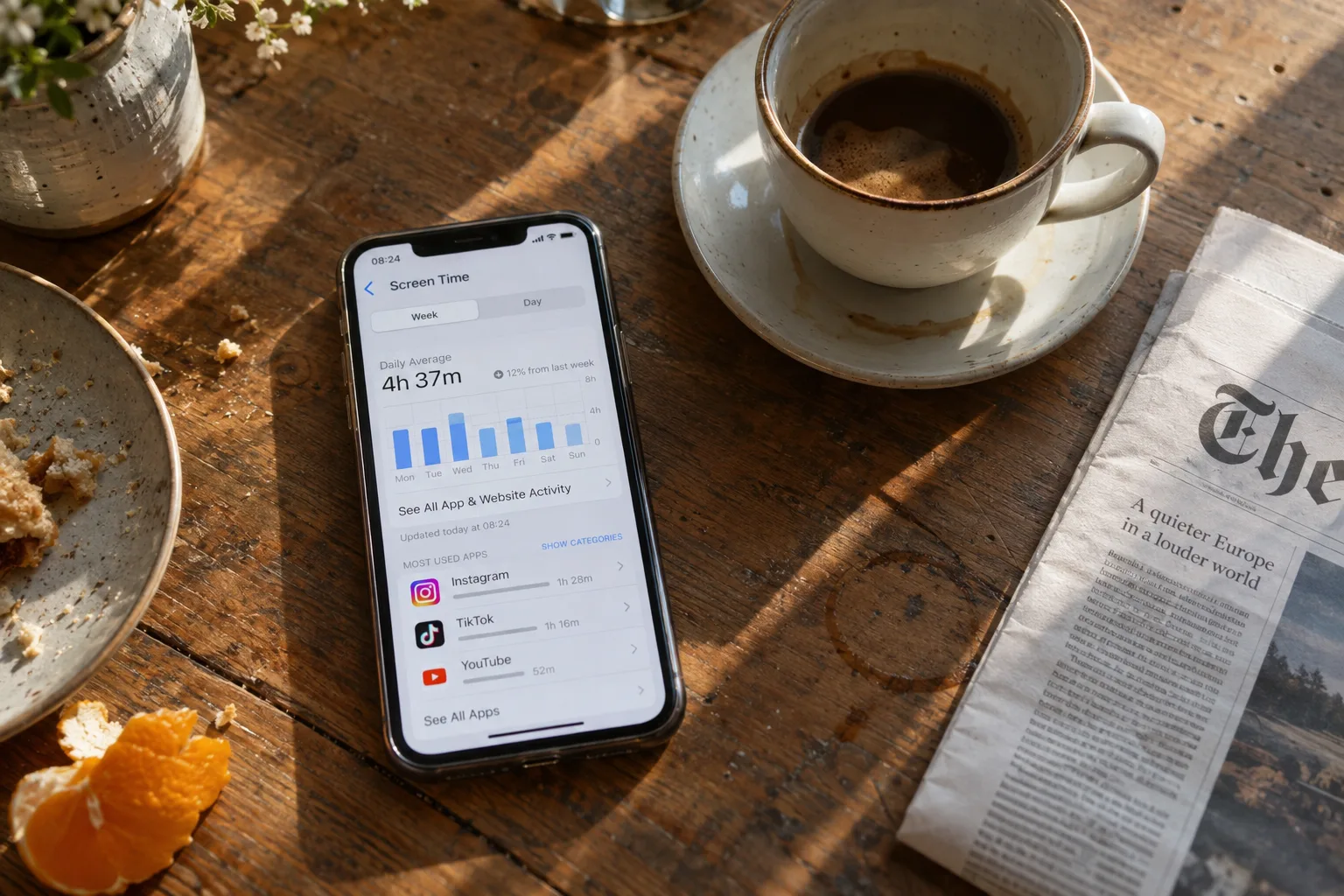
How to reduce screen time on iPhone
Reduce unwanted screen time on iPhone with app limits, scheduled blocking and deliberate breaks, for Instagram, TikTok and other distracting apps.
Read the guide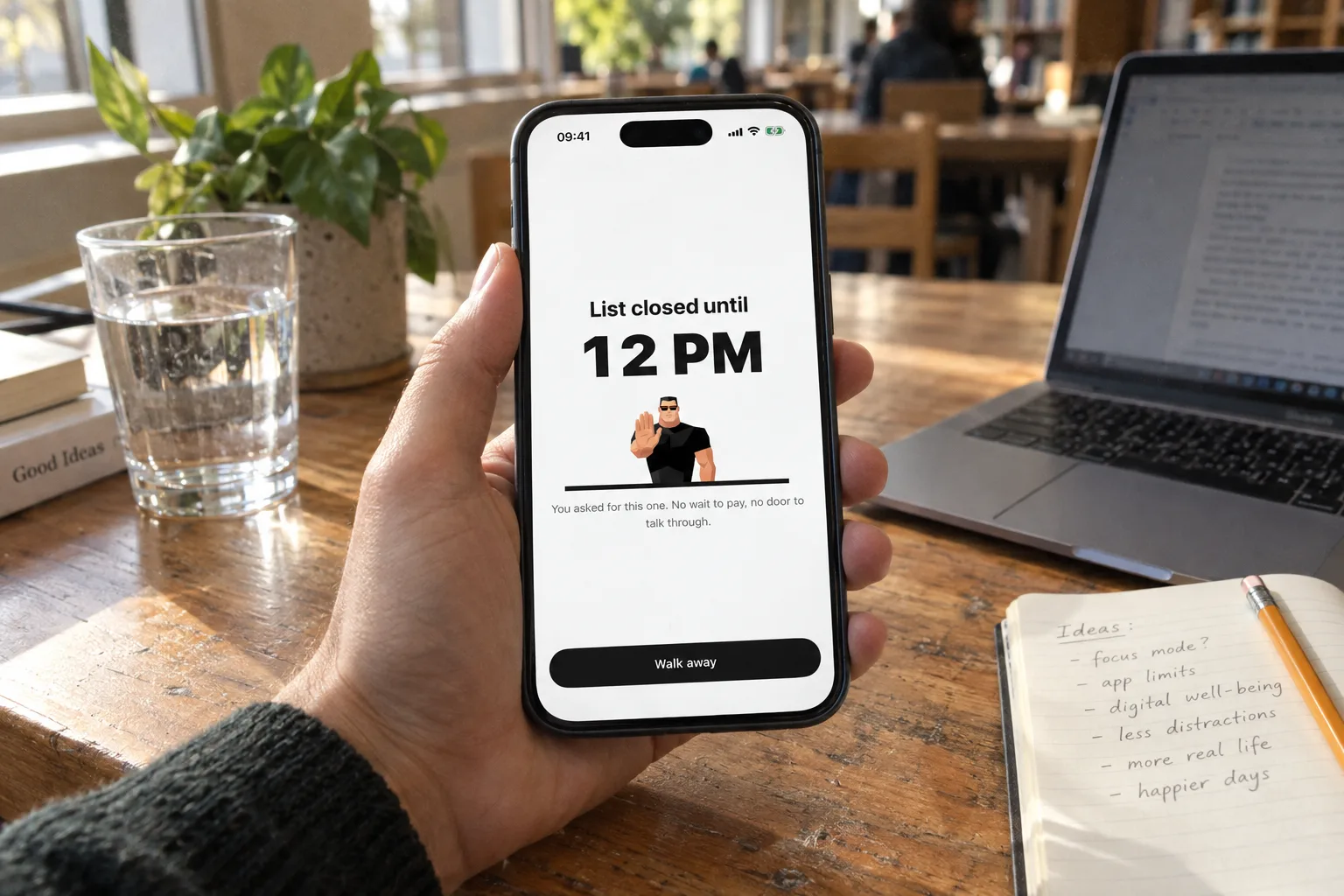
GETTING STARTED
How to block apps on iPhone: Screen Time or an app blocker
Block apps on iPhone with Screen Time (iOS 26 and iOS 27) or with an app blocker like Bouncer. Steps, limits you can ignore, and how to choose.
Read the guide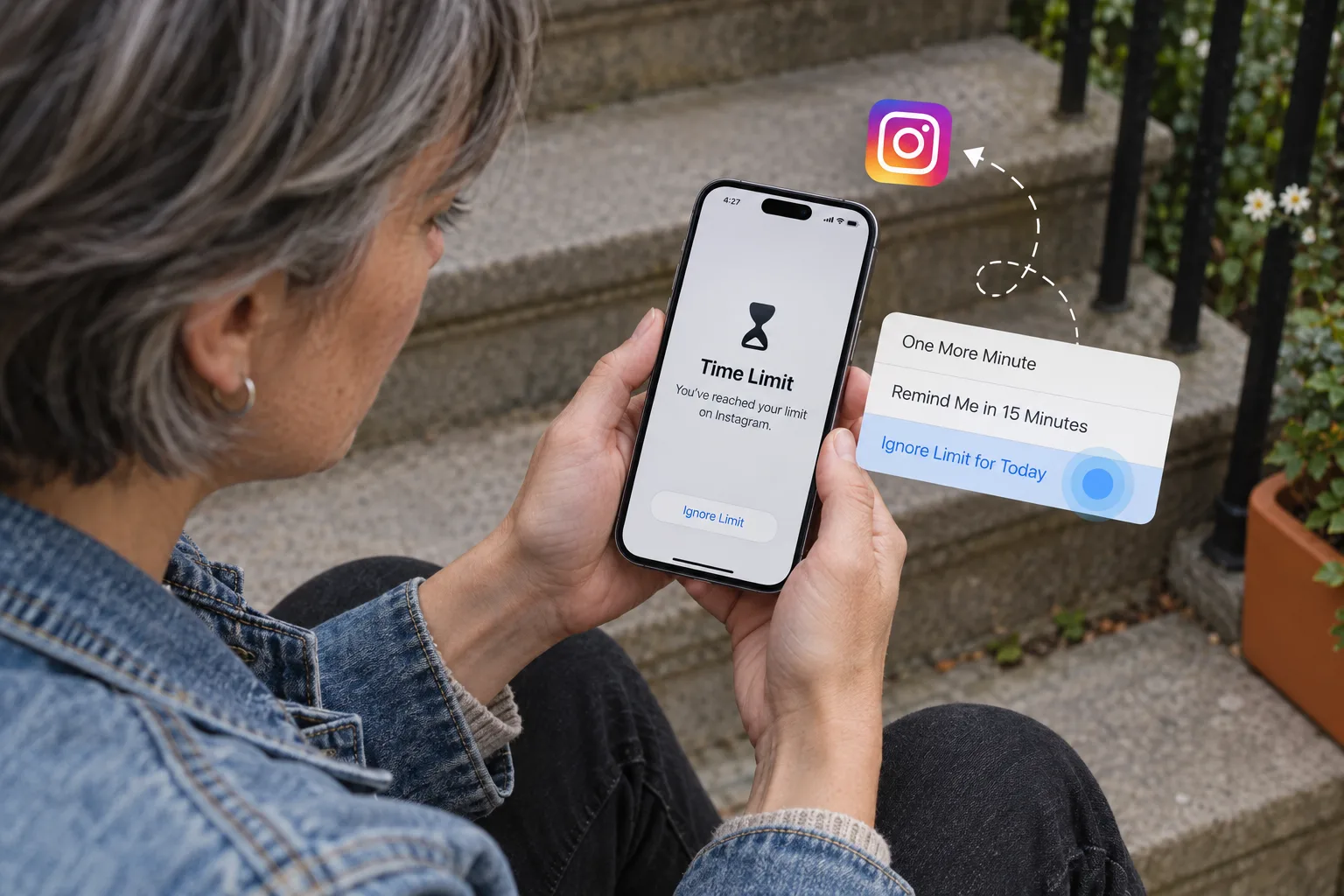
TROUBLESHOOTING
Screen Time limit or Downtime not working? How to fix it
Downtime or an app limit does not block apps on your iPhone? Turn on Block at Downtime, set a passcode, check Always Allowed. Fixes for iOS 26 and 27.
Read the guide
BLOCK ONE APP
How to block or restrict Instagram on iPhone (3 ways)
Block or restrict Instagram on iPhone with Instagram’s daily limit, Screen Time or an app blocker. Steps for iOS 26 and 27, at night, and what about Reels.
Read the guide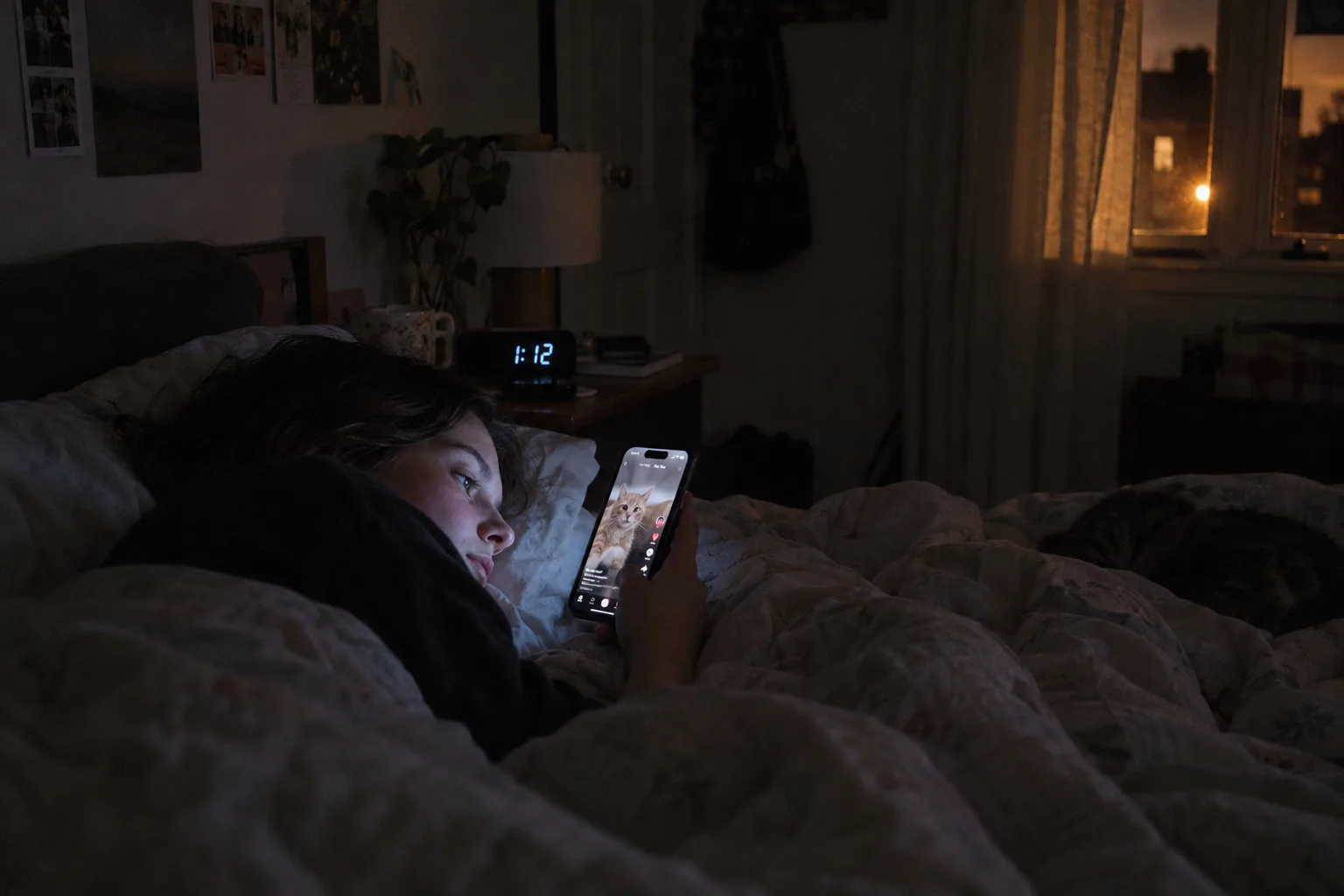
BLOCK ONE APP
How to block TikTok on iPhone (and at night)
Block or limit TikTok on iPhone with TikTok’s Daily screen time, Apple Screen Time, or an app blocker. Steps, limits, and how to protect your nights.
Read the guide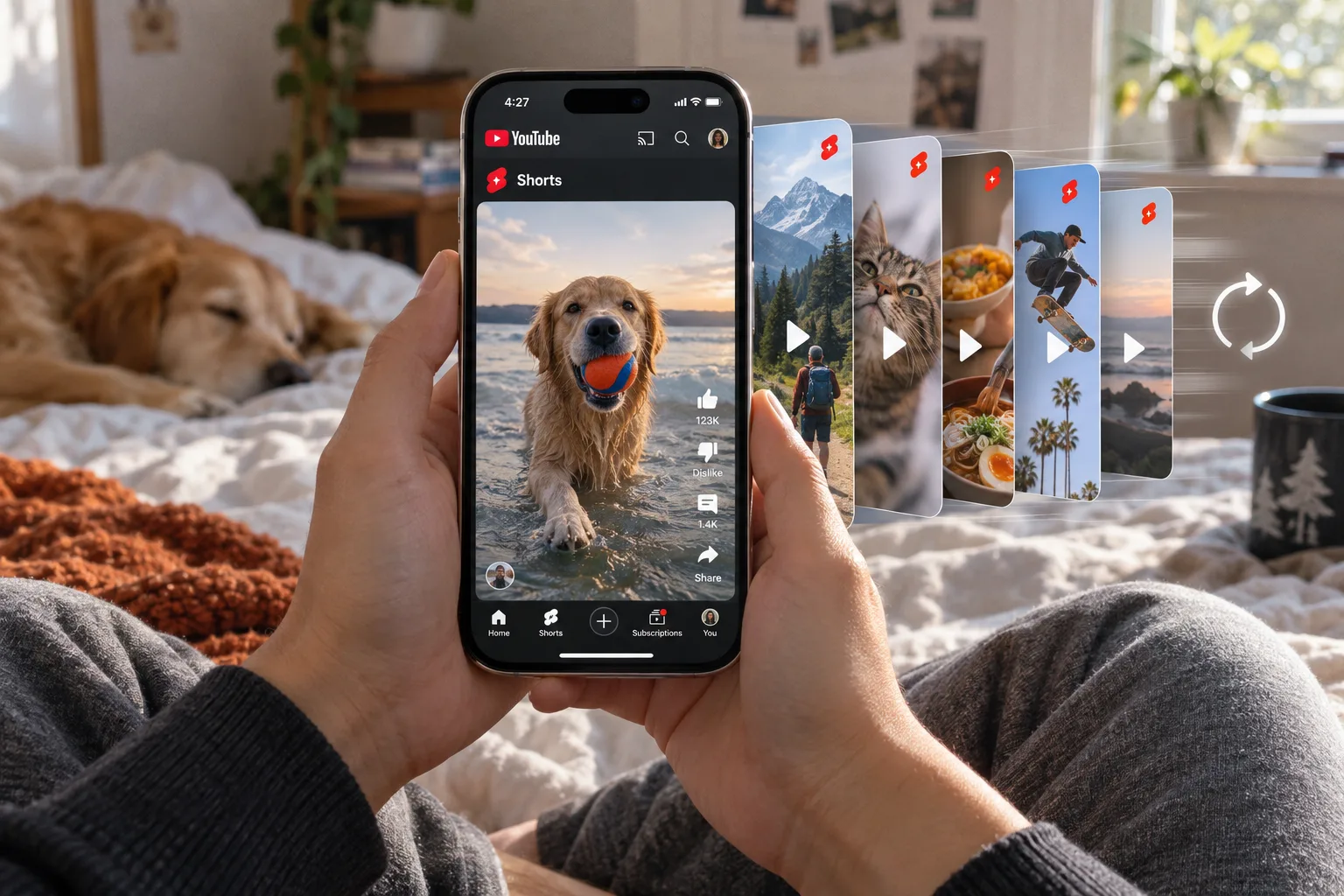
BLOCK ONE APP
How to block YouTube Shorts on iPhone (or all of YouTube)
Remove or limit YouTube Shorts with YouTube’s Shorts feed limit, or block the YouTube app on iPhone with Screen Time or an app blocker.
Read the guide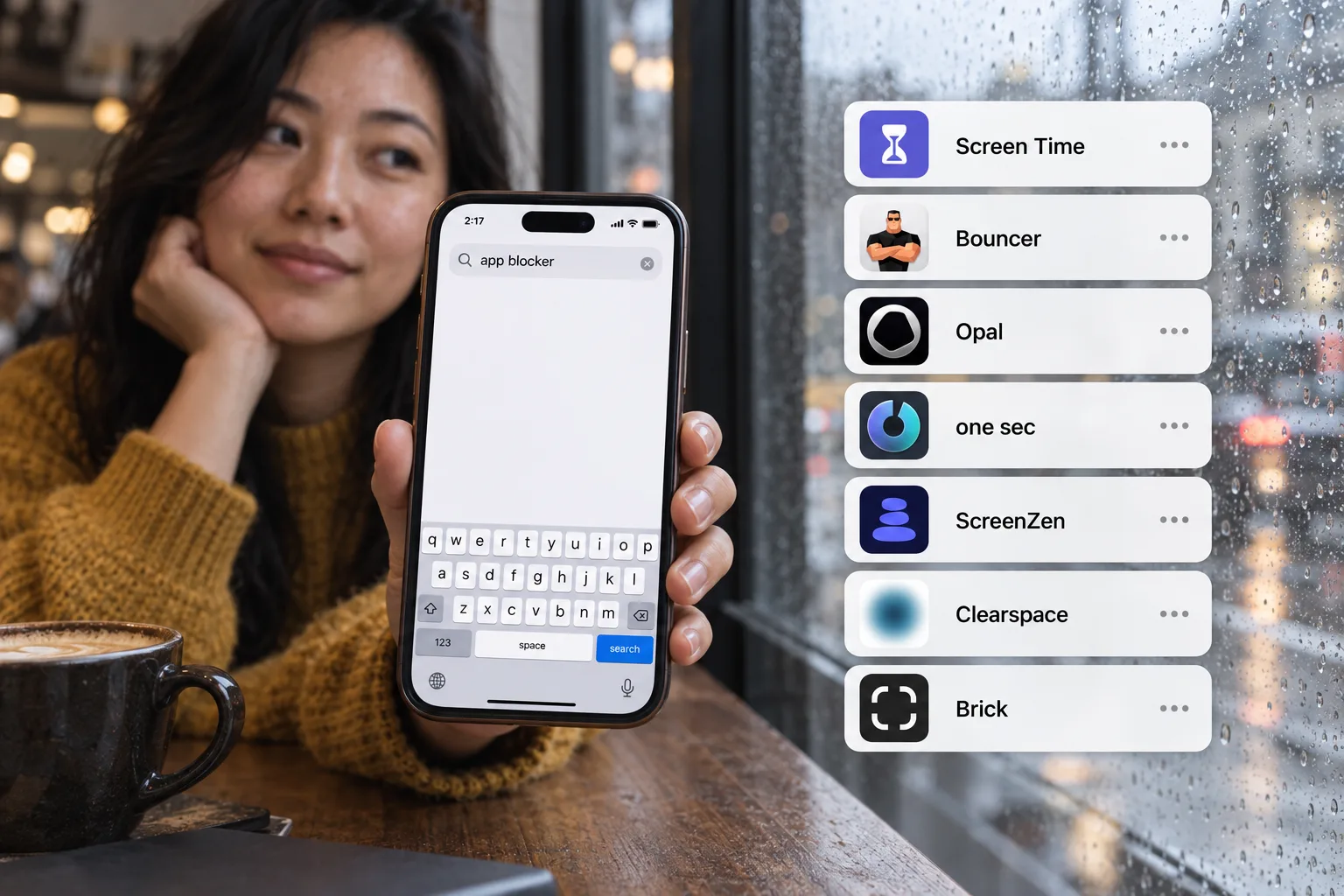
COMPARISON
Best app blocker for iPhone (2026): 7 options compared
Screen Time, Bouncer, Opal, one sec, ScreenZen, Clearspace and Brick compared by blocking method, strictness and price model.
Read the guide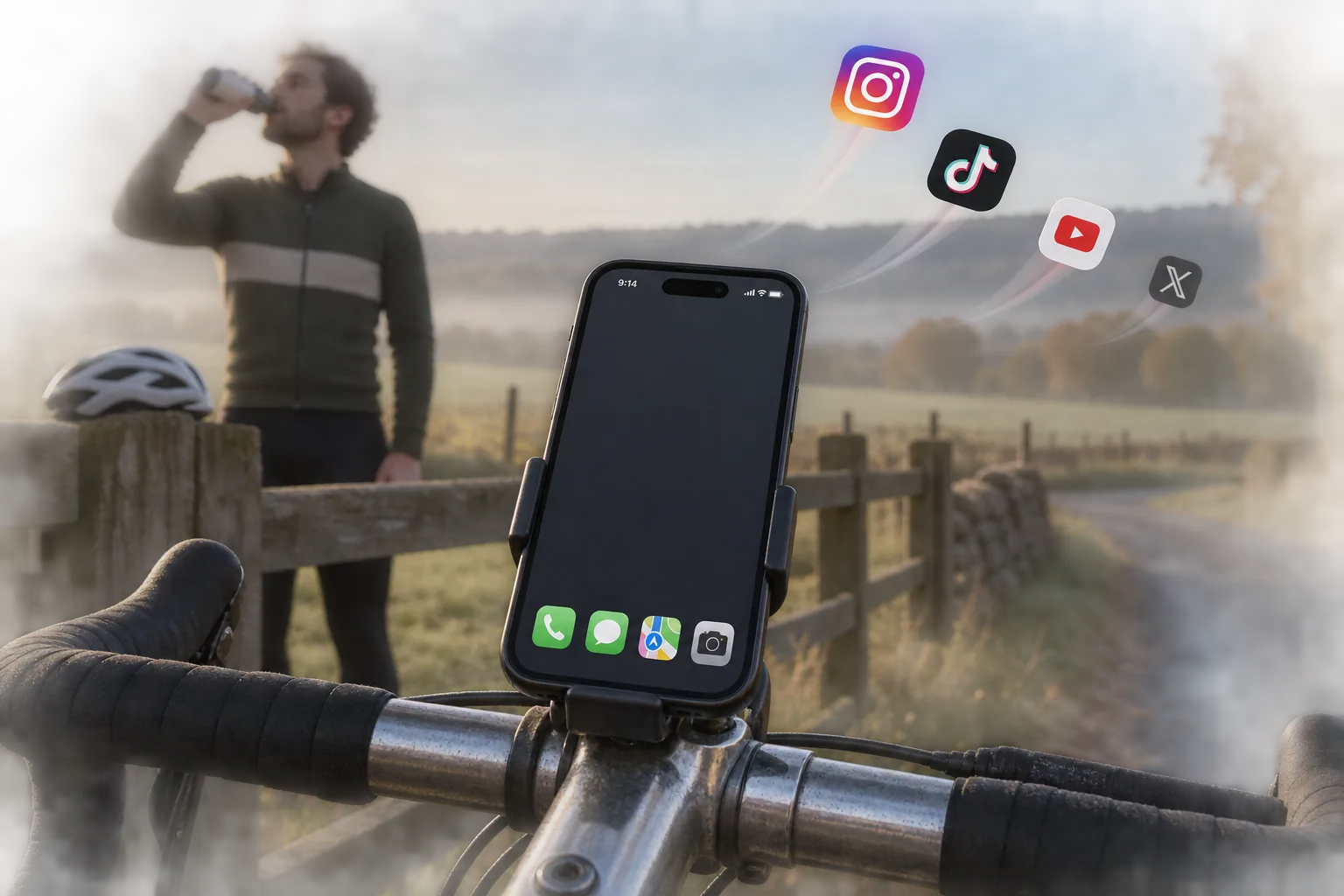
SIMPLER PHONE
How to turn your iPhone into a dumbphone (no new phone)
Make your iPhone work like a dumbphone: keep calls, messages and maps, block the apps built for endless scrolling, and simplify the Home Screen.
Read the guide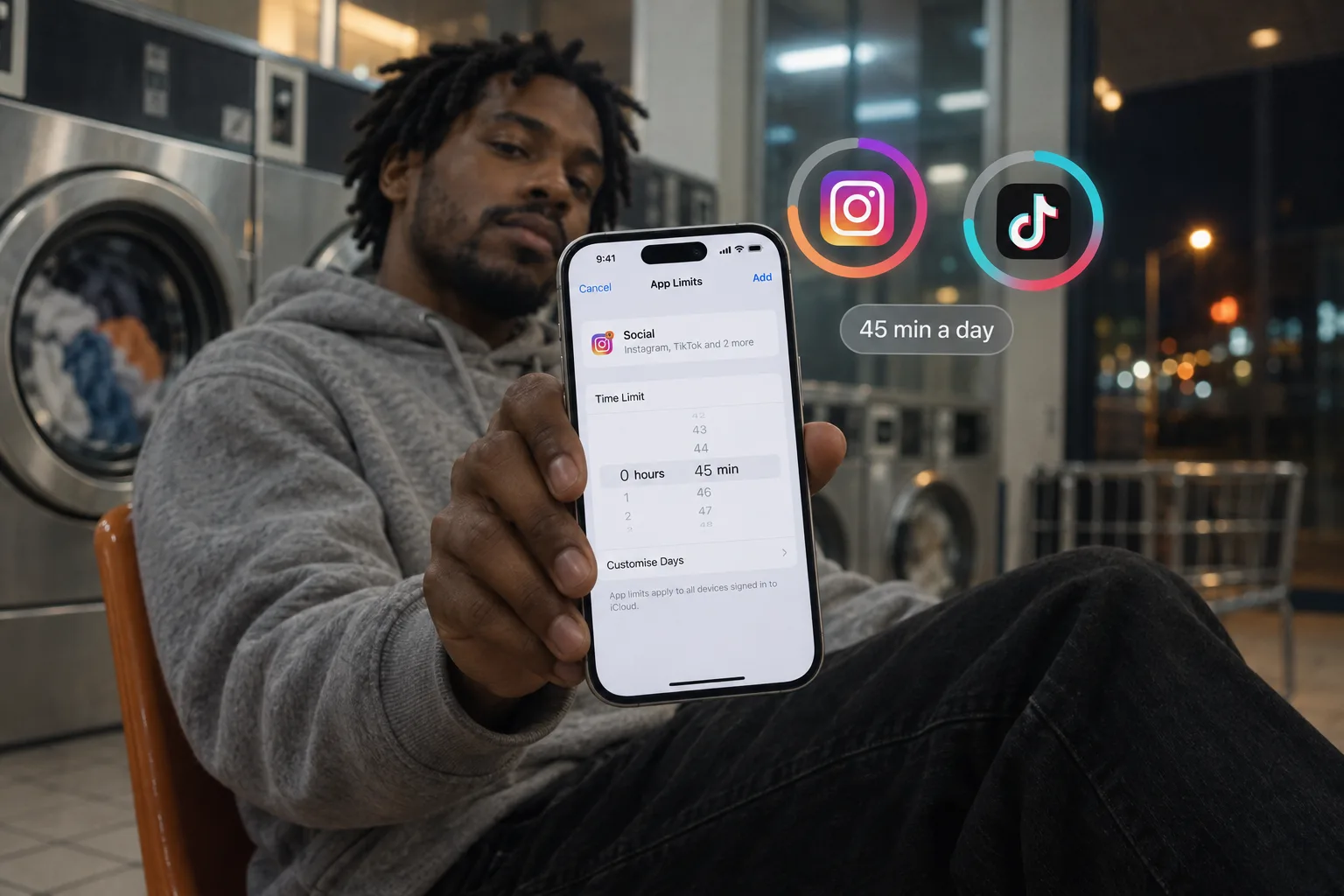
GETTING STARTED
How to set a time limit on apps on iPhone
Set a daily time limit on Instagram, TikTok or any app on iPhone: Screen Time on iOS 26 and iOS 27, the apps’ own limits, and a limit that holds.
Read the guide
STOP DOOMSCROLLING
How to stop doomscrolling on iPhone (and keep your apps)
What doomscrolling is and how to stop it on iPhone: pick the moment, block social media for that moment, add a pause before access, and give each visit an end.
Read the guide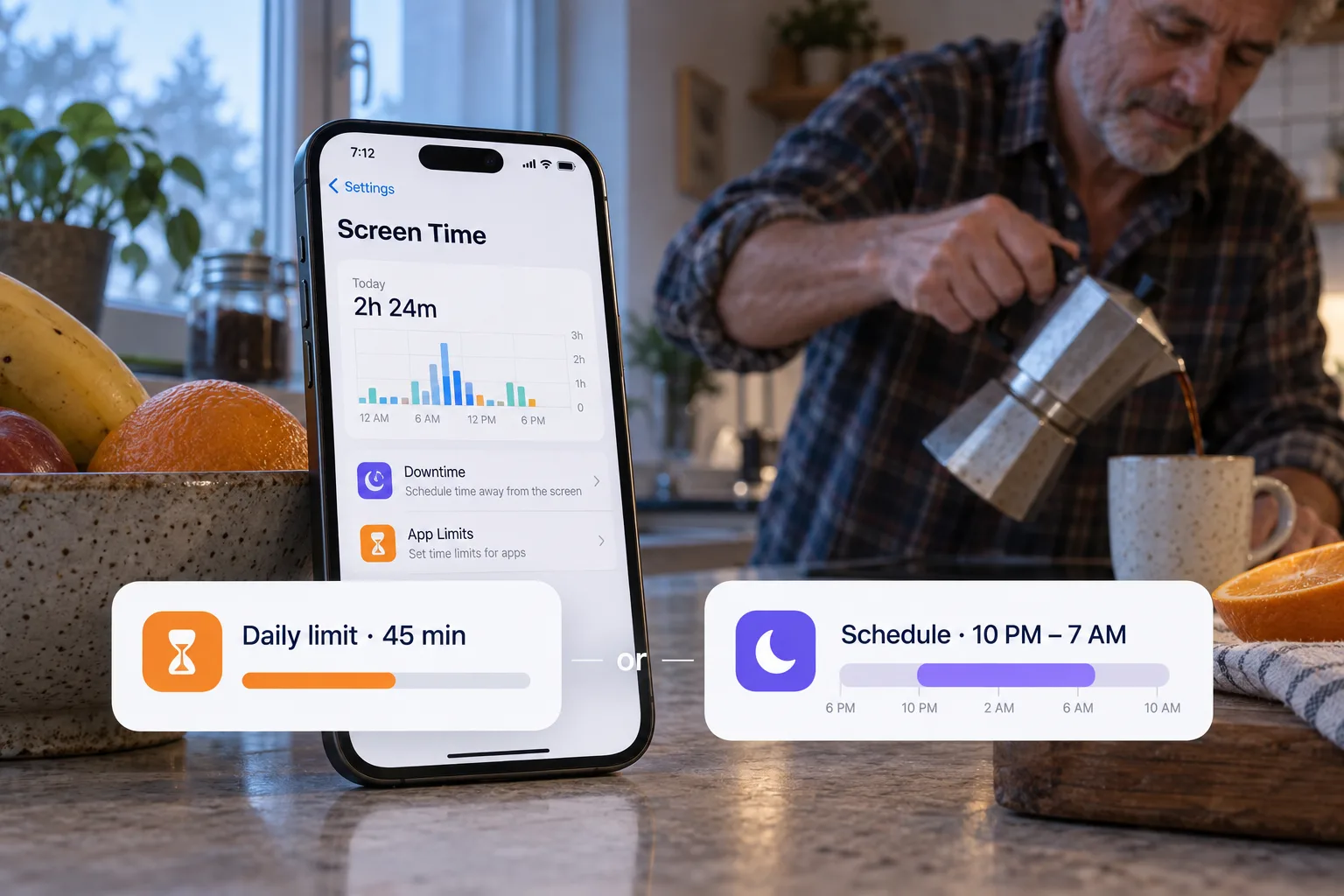
BUILD YOUR RULES
Daily app limits or scheduled blocking?
Understand when to use a daily app allowance and when to protect a time window. Examples for work, evenings and social media in Bouncer.
Read the guide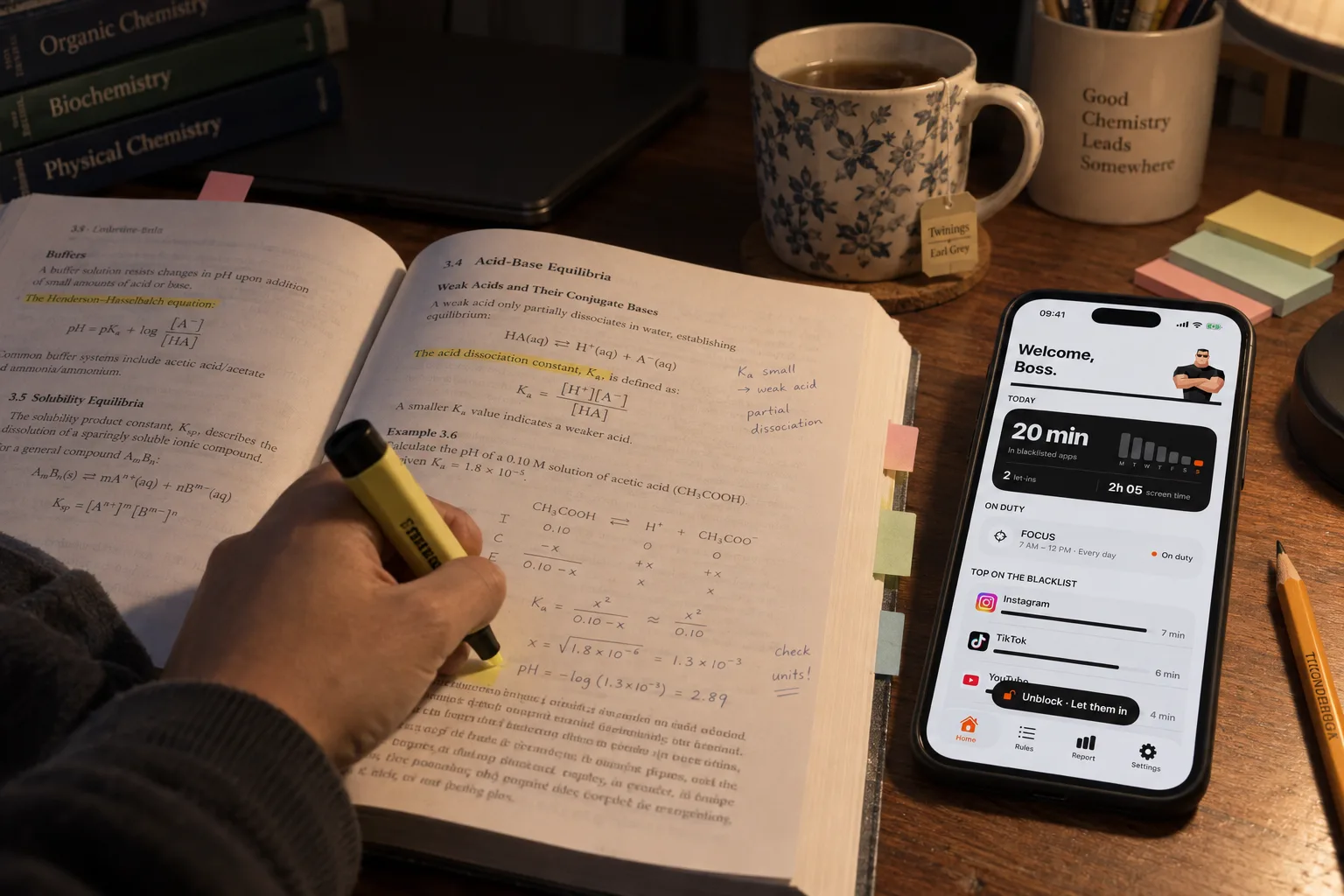
FOCUS & STUDY
Block phone distractions while studying
Build an iPhone study boundary that leaves your learning tools available. Choose a schedule, plan exceptions and review the result.
Read the guide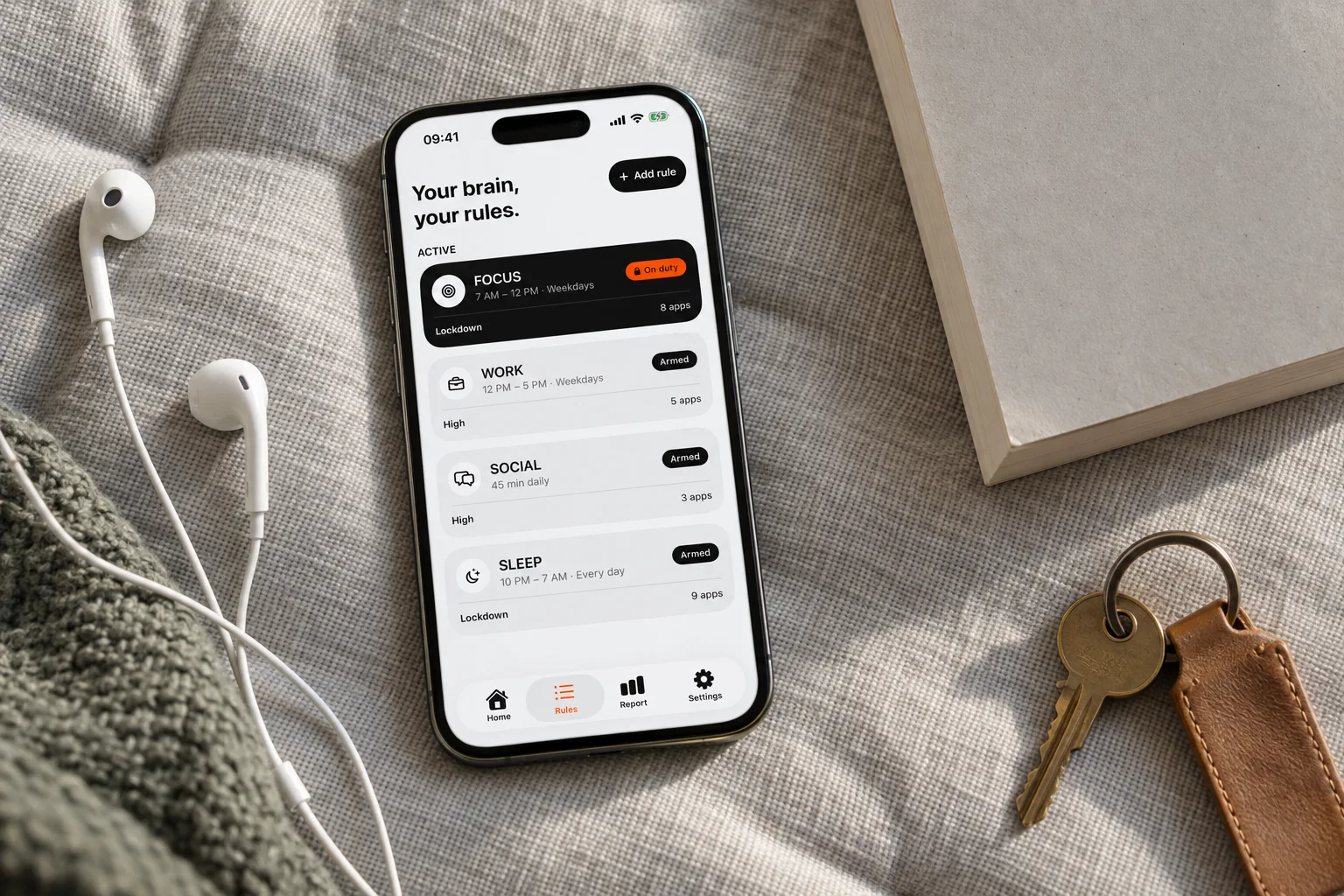
BOUNCER EXPLAINED
Normal, High and Lockdown: choose your Level
How Bouncer’s three Levels work, including temporary access, foreground waits, active Rule changes and the seven-day Emergency Pass.
Read the guide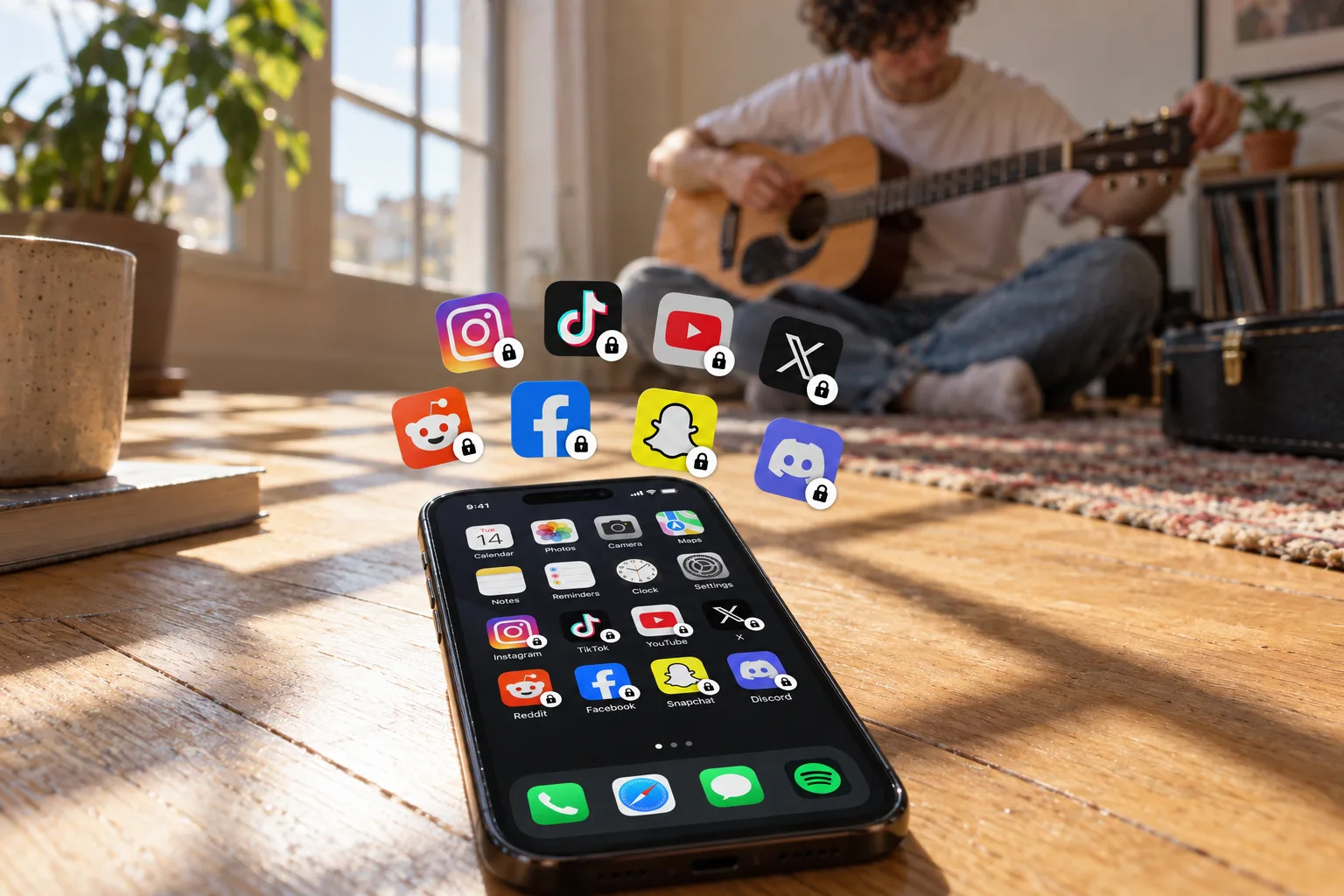
MAKE A CHOICE
Bouncer or Opal: which approach fits you?
Compare Bouncer’s deliberate access and three Levels with Opal’s focus tools and platform coverage. A dated comparison with primary sources.
Read the guide