SHORT ANSWER
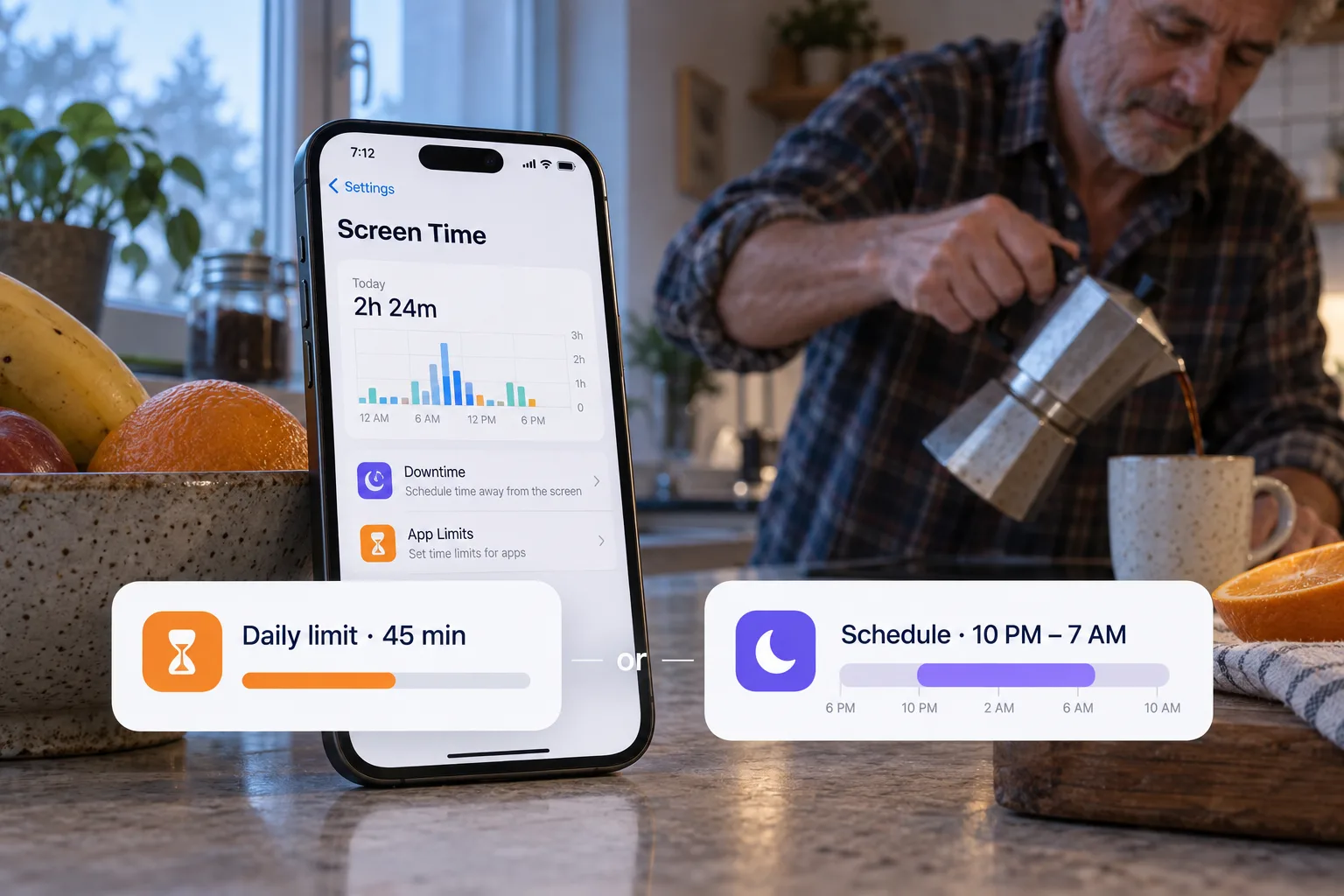
A daily limit controls how much selected apps can be used. A schedule controls when they are blocked. Use a limit for a daily allowance and a schedule for a context that deserves protection, such as work or bedtime. If your limit does not stop you, read why Screen Time limits get ignored.
A limit answers “how much?”
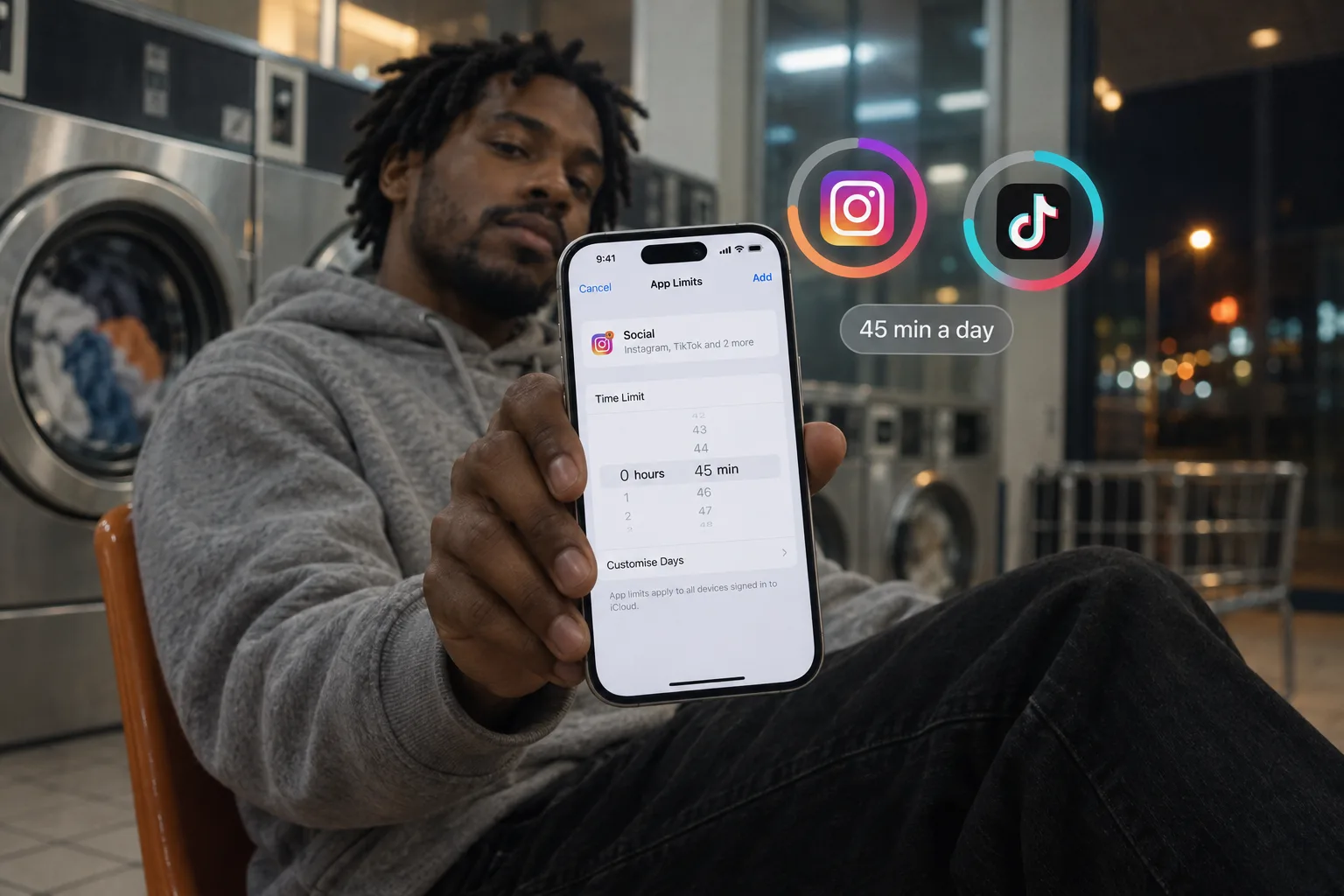
A daily limit lets you use selected apps until their allowance is reached. It suits social media apps you check at different times of the day, when you want a cap on the total.
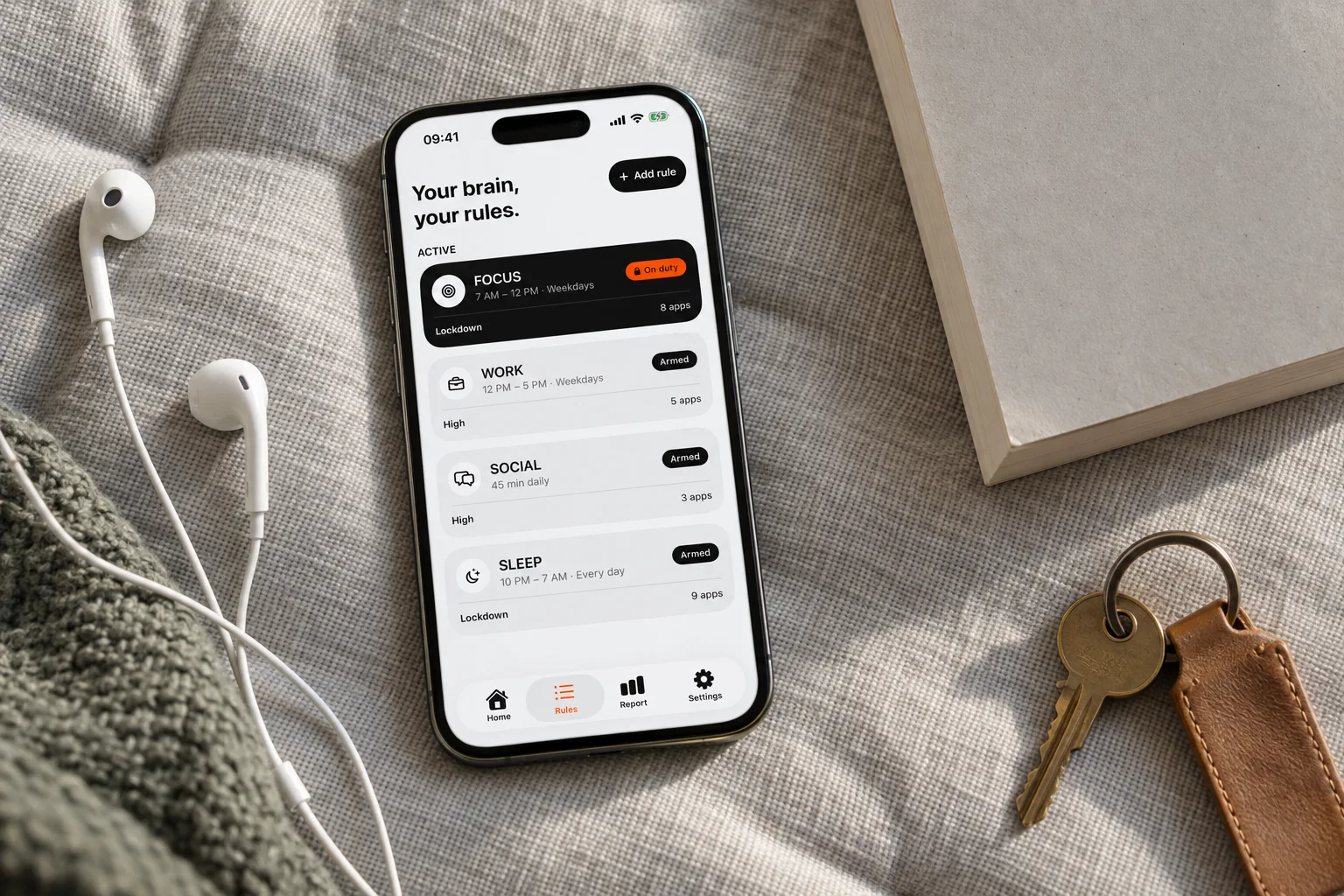
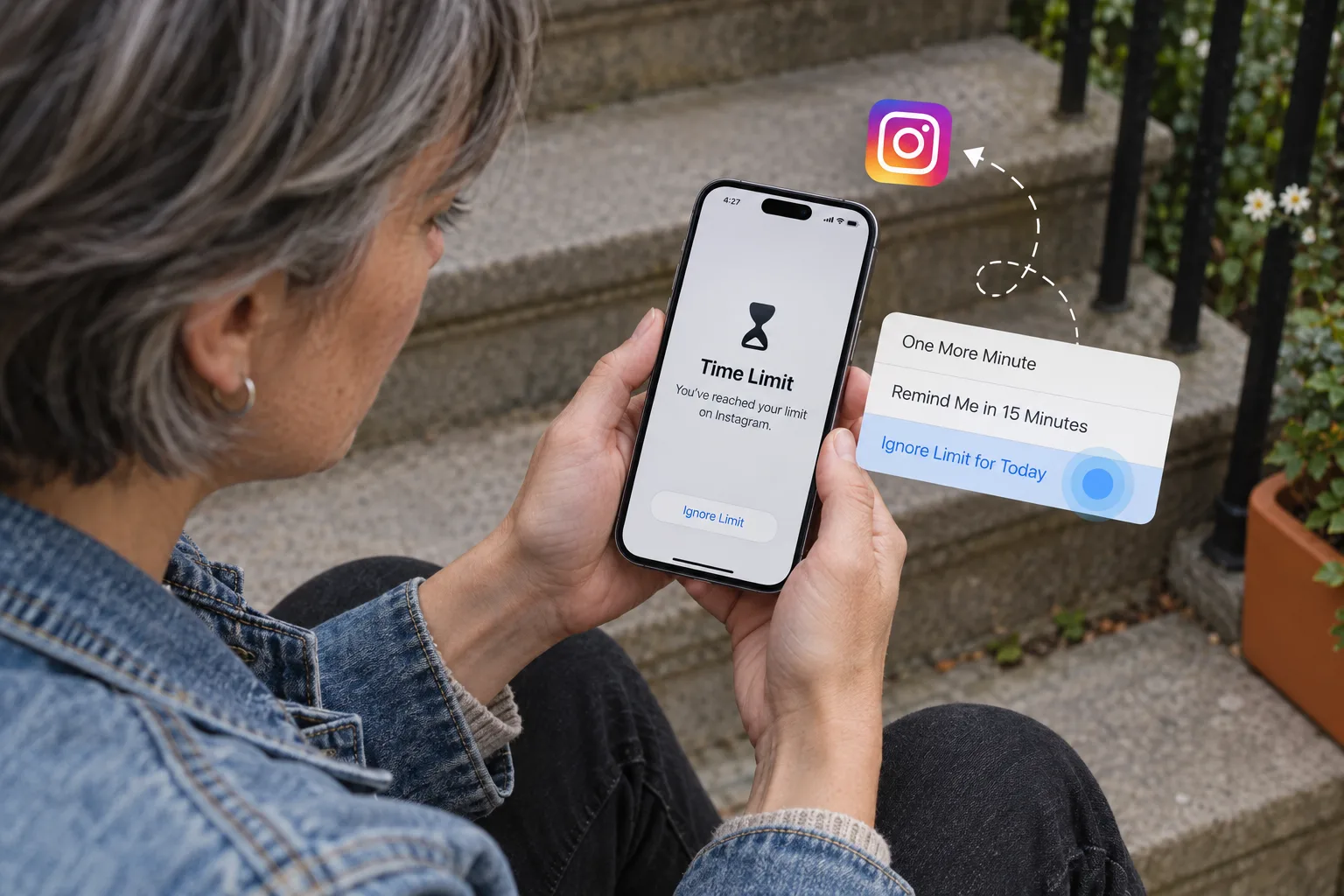
In Bouncer, the allowance starts counting when you first activate the Rule that day. On later days it starts at local midnight. The Rule blocks its selected apps when the allowance is reached. With Normal or High, requesting temporary access still requires the wait.
A schedule answers “when?”
A scheduled Rule blocks selected apps during a start-to-end window on the days you choose. You can protect a morning, an evening or a window that crosses midnight. Time left on another Rule’s daily allowance does not open the apps during this window.
Pick a start and an end you can say out loud before you activate the Rule. A window that crosses midnight belongs to its start day: a Monday evening window that ends Tuesday morning covers Monday night.
Match the Rule to the situation
- Morning work: use a schedule to keep social media out of that block of time.
- Social apps checked throughout the day: use one daily limit shared by those apps.
- Scrolling in bed: use a schedule that covers your chosen phone-away hours.
- A study session: use a schedule, then pick the Level for how strict you want exceptions to be.
Choose the Level separately
The trigger decides when blocking starts. The Level decides how you can get in while the Rule is on duty. Normal and High work with daily limits or schedules. Lockdown requires a schedule with an explicit end.
An active Lockdown cannot be edited or turned off until the window ends, except with the Emergency Pass, and it never grants a short visit.
Avoid a Rule you cannot explain
One Bouncer Rule has one trigger. Start with a single Rule that you can describe in a sentence. Multiple Rules can cover the same apps, so granting access through one Rule may still leave another restriction in place.
When reviewing your setup, look at every Rule that includes the app. If you need both a daily allowance and a protected window, use separate Rules and check where they overlap, so you always know why an app is blocked.
Daily limit and schedule compared
Step by step: set a time limit on apps or block apps on a schedule.
| Daily limit | Schedule | |
|---|---|---|
| Answers | How much time per day? | When are the apps off? |
| Blocks the apps | When the allowance is used | During the window you choose |
| Good for | Social apps you check at different times | Work hours, study, bedtime |
| Lockdown possible | No | Yes |
| On iPhone without Bouncer | App Limits (iOS 26), Time Allowances (iOS 27) | Downtime (iOS 26), Screen Time Schedules (iOS 27) |
Frequently asked questions
Can I use a daily limit and a schedule together?
Yes, with two Rules. One Rule has one trigger. Check which apps both Rules cover, so you know why an app is blocked.
Does a Bouncer schedule work across midnight?
Yes. A window such as 10 PM to 7 AM belongs to its start day and protects the whole night.
Which one stops endless scrolling at night?
A schedule. A daily limit may still have time left in the evening; a night window blocks the apps whatever you used during the day.
A boundary you choose.
Start with a context you want to protect on your iPhone.