THE IPHONE APP BLOCKER
Protect your brain. Stop doomscrolling.
Your attention is worth protecting. Block distracting apps and stay present in what you do.
Screens show demo data.
What the research shows.
less daily screen time during the study
lower perceived stress after three weeks
higher self-reported wellbeing after three weeks
Based on a BMC Medicine (2025) study of 111 students over three weeks.
Reclaim your attention.Make room for yourself.
Focus on one thing. Read without checking your phone. Follow an idea or simply take a breath. Your attention deserves more than endless scrolling.
Your thumb knows the way. Change what happens next.
Instagram, TikTok, X, Threads, YouTube… Your apps are still there. During your protected time, Bouncer holds the door.
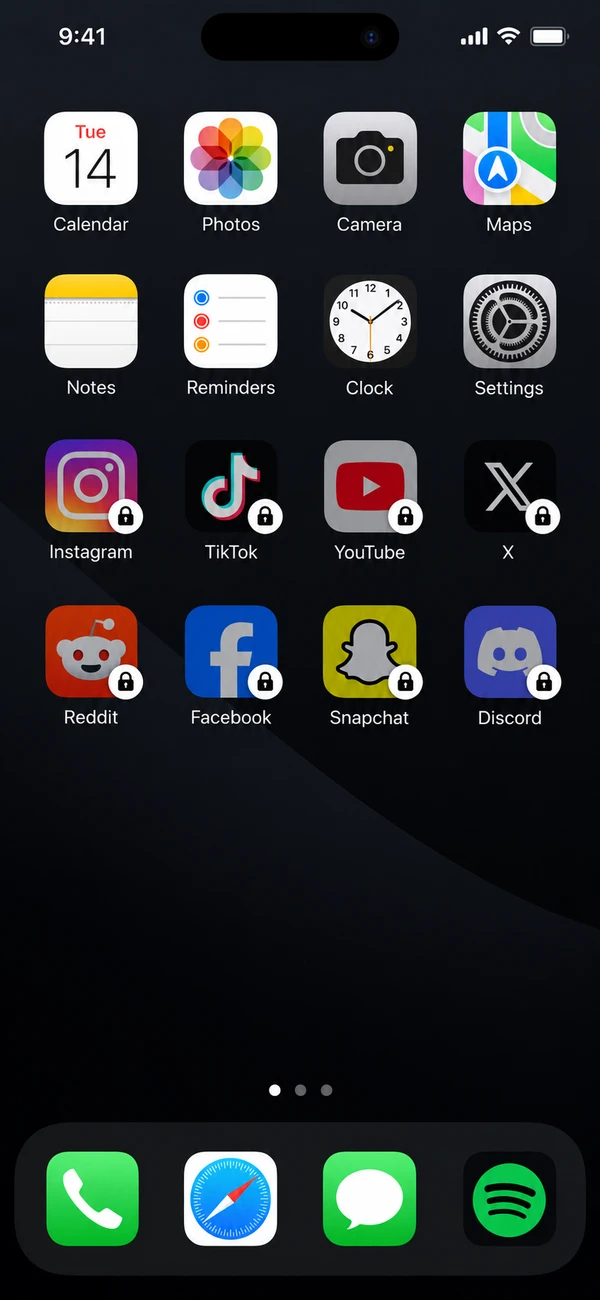
Tap a locked app on the iPhone.
This example shows Lockdown until noon. Inside Bouncer, you see when your protected window ends.

INSTAGRAM SHOWS UP
AT THE DOOR.
Not on the list tonight. Want to negotiate? That happens in Bouncer. Not at the door.
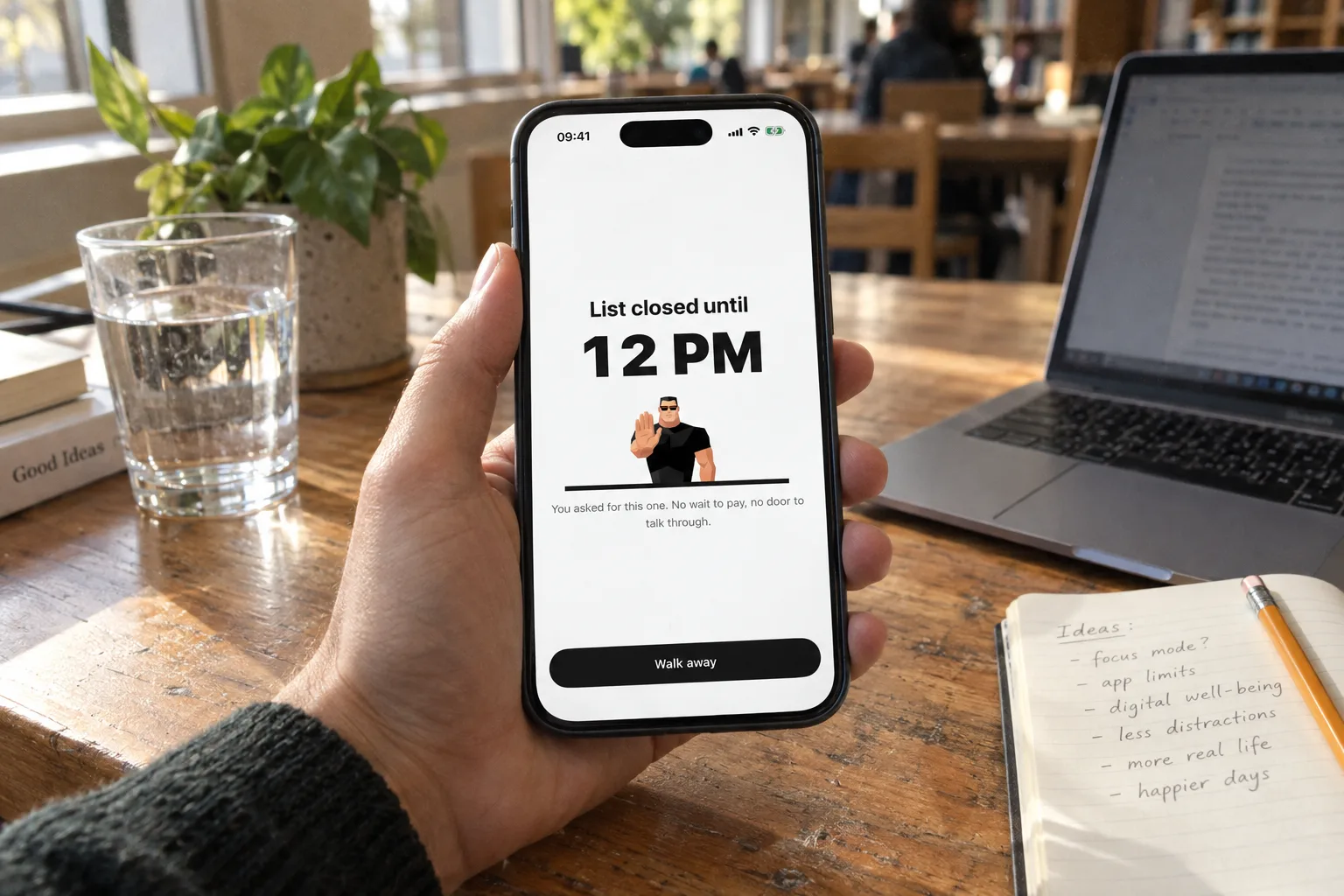
List closed until12 PM

You asked for this one. No wait to pay, no door to talk through.
Interactive demo · Tap a locked app.
Illustrated flow, adapted for the web. Example uses Lockdown.
Find your focus. Get into deep work.
Keep distracting apps out of your focus hours. A window to write, build, study or create. You choose the apps and schedule. Bouncer holds the door.
How it works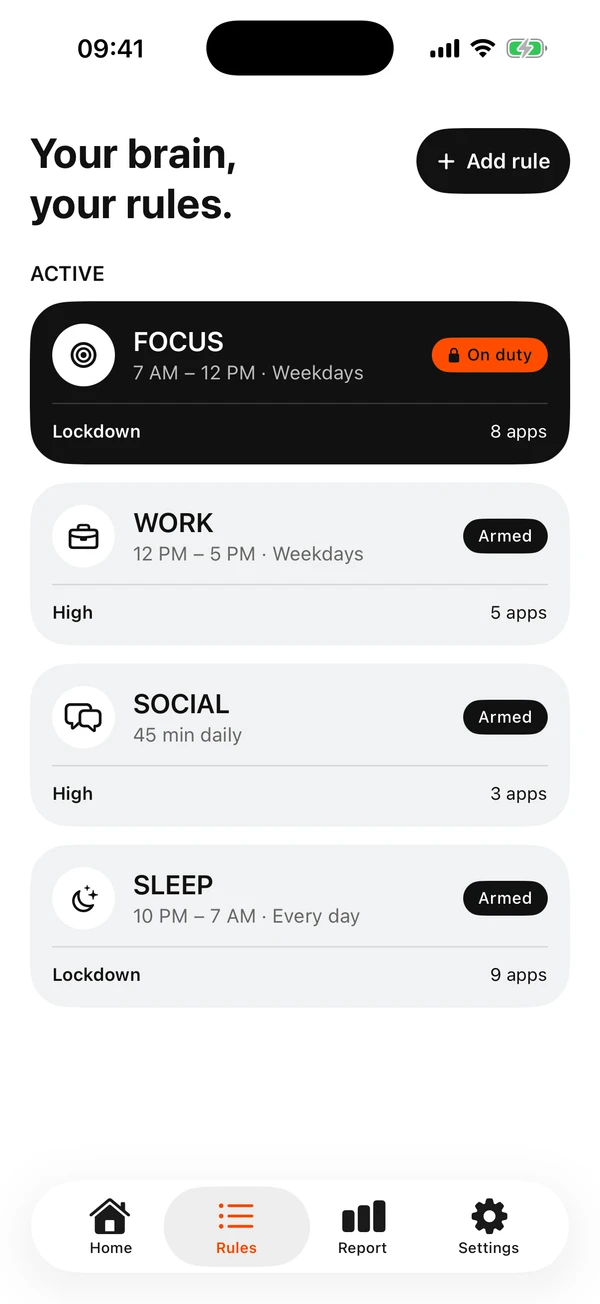
A pause. A boundary. A commitment.
Explore the LevelsNormal
A moment to choose.
A short, variable wait interrupts the impulse. Then choose a temporary session of 5, 10 or 15 minutes.
A pause before the endless scrolling starts.
High
The more you ask, the harder it gets.
After each successful unblock, the wait grows and the available session gets shorter.
For the “just one more time” loop.
Lockdown
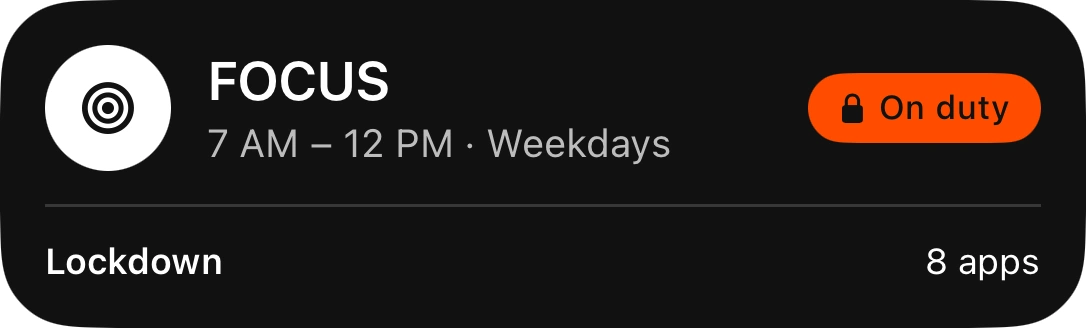
This time is spoken for.
Keep selected apps blocked until your scheduled window ends. Active Lockdown rules cannot be edited or switched off, except with the limited Emergency Pass.
One local Emergency Pass, available again seven days after use.
Be here. Really here.
Want to make your mental wellbeing a priority? Make room for moments away from your phone: dinner with friends, an evening with a book, a walk without scrolling.



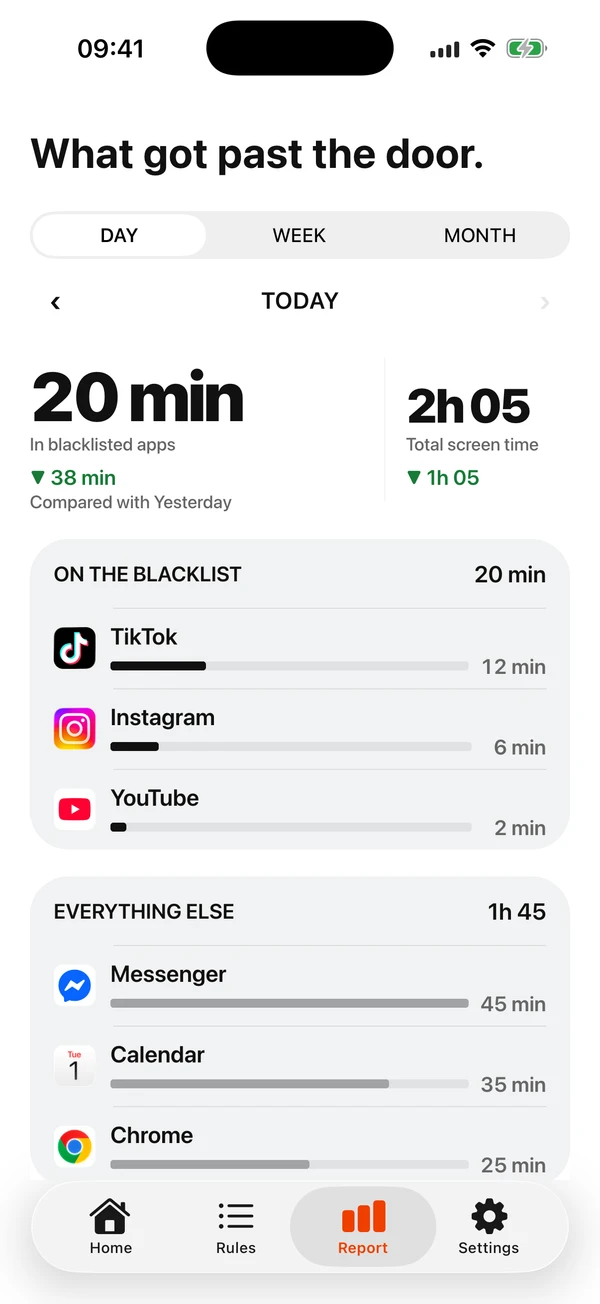
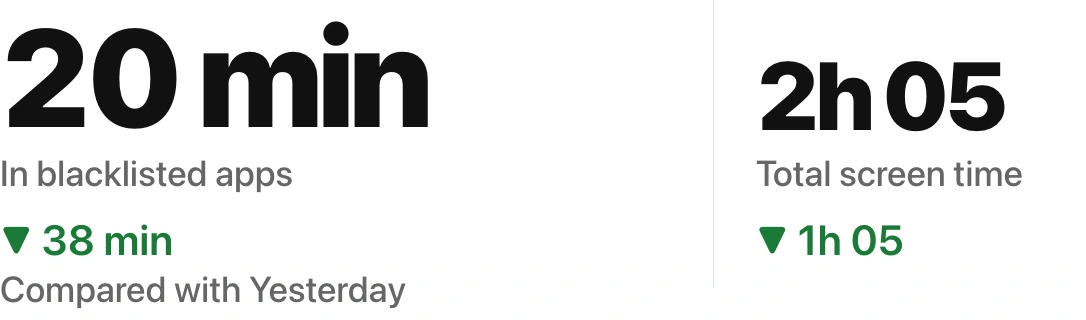
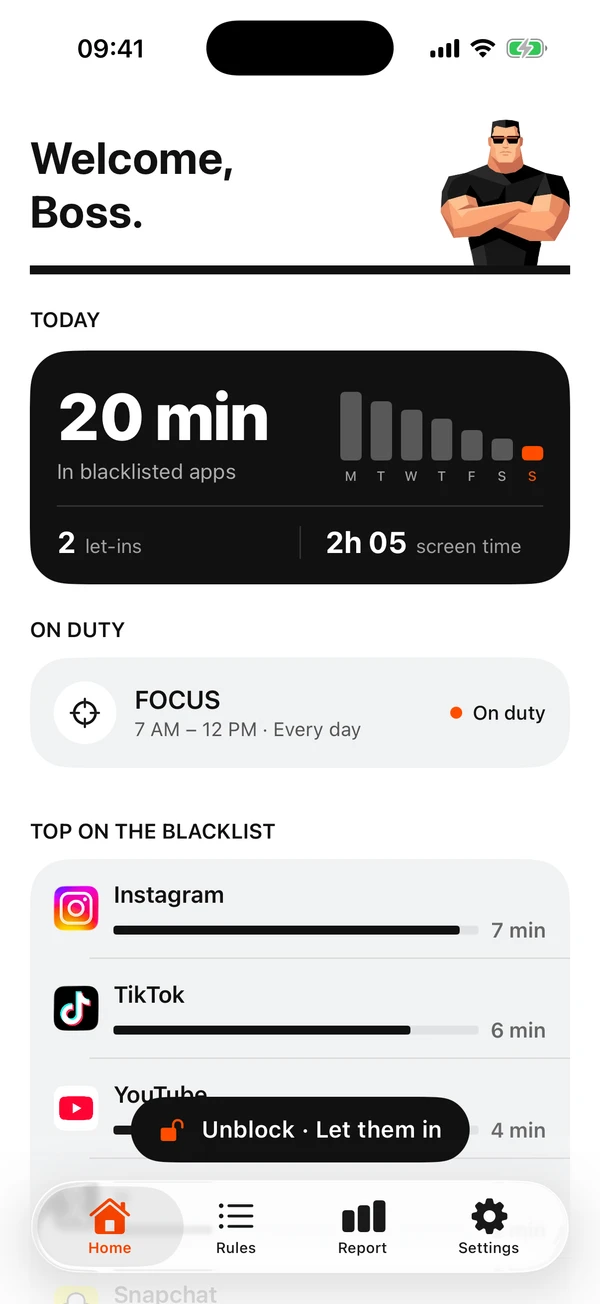
See where your time goes.
Compare your daily averages in blacklisted apps with total screen time. The point is to protect the choices you make.
How to reduce your screen timeFictional data illustrates the Report: 20 min in distracting apps, down from 58 min yesterday. These are not customer results. App screens shown in English.
Less screen time. Where do you start?
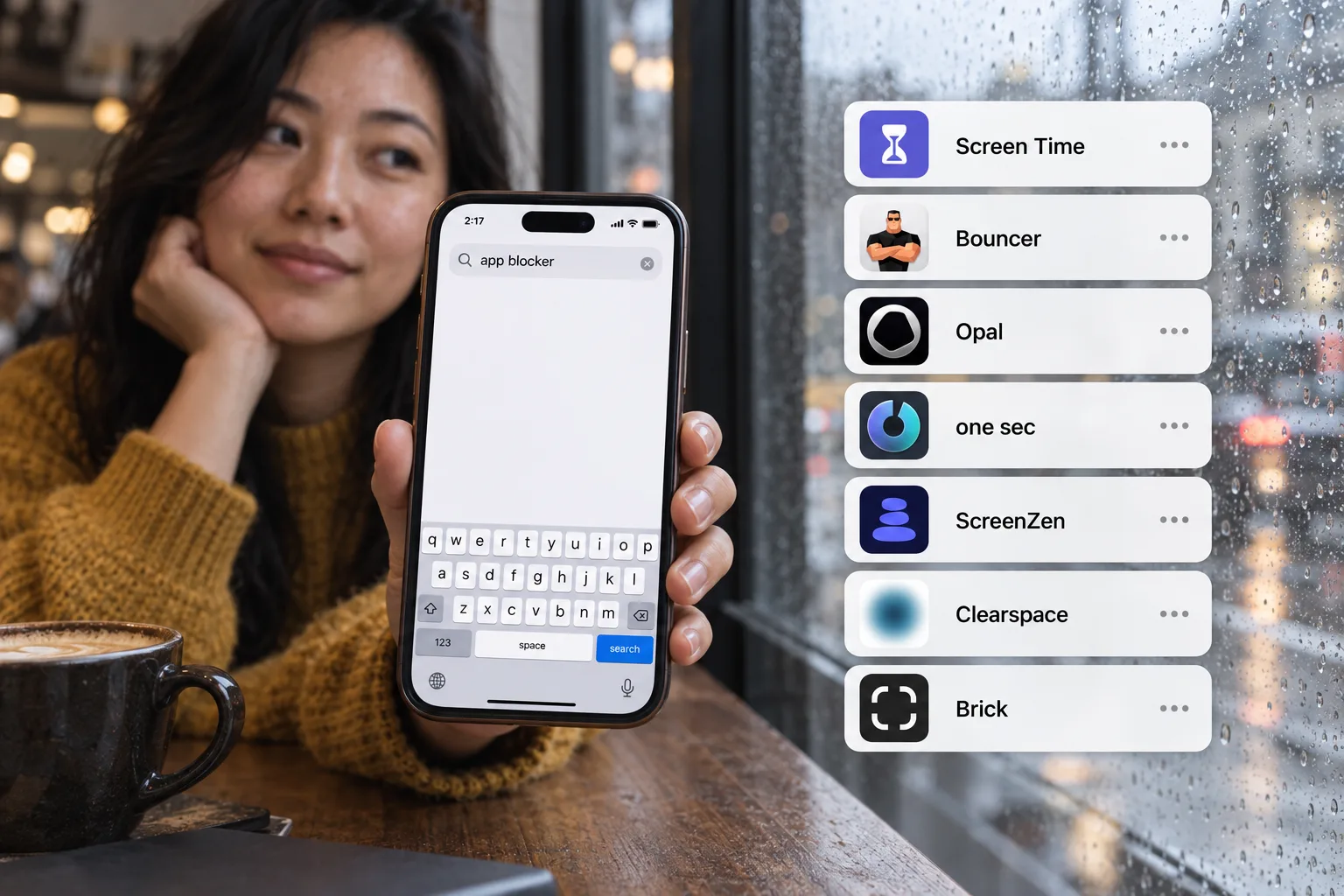
Good questions.
Something else on your mind?What is Bouncer?
Bouncer is an iPhone app blocker designed to help you reduce unwanted screen time and protect your attention. You choose apps, set a schedule or a daily limit, and choose a Level: Normal, High or Lockdown. It helps turn automatic scrolling into a deliberate choice.
How can I reduce screen time with Bouncer?
Choose the apps you want to spend less time in, such as Instagram, TikTok or YouTube. Set a daily limit or block them during your focus time. Review your screen time in the Report and adjust your Rules to fit the moments you want to protect. Bouncer does not guarantee a fixed reduction.
Can I still use the apps I block?
Yes. Outside your protected context, intentional use is valid. Normal and High allow temporary access after a wait. Sessions last 5, 10 or 15 wall-clock minutes; High reduces the available choices as successful unblocks increase.
Can I leave Lockdown early?
An active Lockdown lasts until its scheduled window ends, except for one local Emergency Pass. After use, the pass returns seven days later. It turns off active Lockdowns only, and those rules must be activated again manually.
Is Bouncer free?
Bouncer is a paid app. A Monthly auto-renewing subscription or a one-time Lifetime purchase unlocks the complete app. Monthly includes a seven-day free trial for eligible customers. Check the in-app paywall and Apple purchase confirmation for your current local price.
Does Bouncer send my screen time to a server?
No. Your Screen Time values, app selections, rules, schedules and unlock history stay on your iPhone. Anonymous purchase information, limited operational analytics and crash diagnostics are processed separately.
Is Bouncer available for Android or Mac?
Bouncer is available on iPhone. Android and Mac are coming soon. No release date has been announced.
Make room for
what you choose.
Start with one moment you want to protect.